
Best Accounting System for Companies: 12 Practical Tests Before Making a Decision

📅 10/11/2026
A company comparing software providers needs to make careful decisions about acceptance tests before choosing a system. Selecting the best accounting system for companies does not begin with a long list of features; it starts by identifying which processes need to be controlled and which outcomes should be measured. This guide explains practical testing and implementation steps in the Saudi business environment, with examples that help distinguish essential functions from unnecessary extras.
What Is Meant by Acceptance Tests Before Making a Decision?
The goal is to turn daily procedures into data that can be reviewed and linked to supporting documents and reports. Implementation varies by business activity, but the principle is the same: each transaction has a responsible person, a reference, and a traceable outcome. This helps a company comparing software providers reduce its reliance on memory and disconnected files.
When evaluating the best accounting system for companies, ask how errors and unusual cases are handled, not only how ideal transactions work. Employees should know the next step, and managers should understand the impact of a change without manually reconstructing the process.
Which Problems Should You Identify Before Choosing a System?
Start by observing operations over several normal days and one busy day. Document situations that require corrections or additional approval, then classify them by frequency and impact on cash, inventory, or customer service.
• Entering the same document more than once across different programs or files.
• Discovering discrepancies only at the end of a shift or month.
• Lacking a clear reference for changes, cancellations, or approvals.
• Management reports not matching the original invoices and transactions.
• Difficulty transferring responsibility between employees without losing information.
Do not try to solve every problem at once. Choose three recurring processes and set a measurable acceptance criterion for each. If completion time or result accuracy does not improve after the trial, the issue may lie in the procedure or training rather than the software.
To explore the scope of business solutions, review the accounting and point-of-sale system and then confirm which functions are included in the appropriate plan.
Data to Prepare Before Going Live
• A list of users, roles, and required permissions.
• Customers, suppliers, and products or services, with duplicates removed.
• Accounts and opening balances reconciled against supporting documents.
• Branches or work locations, payment methods, and units of measure.
• Approval rules for discounts, corrections, and returns.
• A list of reports that management actually needs.
Data cleaning is not a cosmetic step: a duplicate product or incorrect balance will flow into reports no matter how good the software interface is. Keep a reference copy of the old data and record who reviewed each dataset before importing it.
1. Sales Invoice Test: What Should You Check?
Practical Testing Steps
• Prepare a test case involving sales invoice, and define the input data and expected outcome before starting the test.
• Perform the transaction using a regular employee account, then repeat it with lower permissions to test access restrictions.
• Open the relevant report or balance and make sure you can trace it back to the original document.
• Try a permitted correction or exceptional case, and check whether the user, time, and reason for the change are recorded.
Practical example: A credit sale invoice followed by a partial payment. Do not stop at the first successful case; repeat the test after changing an amount, switching users, or running it at a different time. This test reveals the gap between a marketing sales demonstration and actual working practices.
Review the plan limits and any fees for the feature; do not rely on the feature name without a documented test.
2. Returns Test: What Should You Check?
Practical Testing Steps
• Prepare a test case involving returns, and define the input data and expected outcome before starting the test.
• Perform the transaction using a regular employee account, then repeat it with lower permissions to test access restrictions.
• Open the relevant report or balance and make sure you can trace it back to the original document.
• Try a permitted correction or exceptional case, and check whether the user, time, and reason for the change are recorded.
Practical example: A return processed after a previous shift has closed. Do not stop at the first successful case; repeat the test after changing an amount, switching users, or running it at a different time. This test reveals the gap between a marketing sales demonstration and actual working practices.
Review the plan limits and any fees for the feature; do not rely on the feature name without a documented test.
You can book a practical demonstration of this scenario through the demo booking page.
3. Purchasing Test: What Should You Check?
Practical Testing Steps
• Prepare a test case involving purchasing, and define the input data and expected outcome before starting the test.
• Perform the transaction using a regular employee account, then repeat it with lower permissions to test access restrictions.
• Open the relevant report or balance and make sure you can trace it back to the original document.
• Try a permitted correction or exceptional case, and check whether the user, time, and reason for the change are recorded.
Practical example: Freight costs added to the cost of purchased goods. Do not stop at the first successful case; repeat the test after changing an amount, switching users, or running it at a different time. This test reveals the gap between a marketing sales demonstration and actual working practices.
Review the plan limits and any fees for the feature; do not rely on the feature name without a documented test.
4. Inventory Count Test: What Should You Check?
Practical Testing Steps
• Prepare a test case involving inventory count, and define the input data and expected outcome before starting the test.
• Perform the transaction using a regular employee account, then repeat it with lower permissions to test access restrictions.
• Open the relevant report or balance and make sure you can trace it back to the original document.
• Try a permitted correction or exceptional case, and check whether the user, time, and reason for the change are recorded.
Practical example: A shortage of two items in a branch warehouse. Do not stop at the first successful case; repeat the test after changing an amount, switching users, or running it at a different time. This test reveals the gap between a marketing sales demonstration and actual working practices.
Review the plan limits and any fees for the feature; do not rely on the feature name without a documented test.
5. Bank Transactions Test: What Should You Check?
Practical Testing Steps
• Prepare a test case involving bank transactions, and define the input data and expected outcome before starting the test.
• Perform the transaction using a regular employee account, then repeat it with lower permissions to test access restrictions.
• Open the relevant report or balance and make sure you can trace it back to the original document.
• Try a permitted correction or exceptional case, and check whether the user, time, and reason for the change are recorded.
Practical example: A customer bank transfer without a clear reference. Do not stop at the first successful case; repeat the test after changing an amount, switching users, or running it at a different time. This test reveals the gap between a marketing sales demonstration and actual working practices.
Review the plan limits and any fees for the feature; do not rely on the feature name without a documented test.
You can book a practical demonstration of this scenario through the demo booking page.
6. User Permissions Test: What Should You Check?
Practical Testing Steps
• Prepare a test case involving user permissions, and define the input data and expected outcome before starting the test.
• Perform the transaction using a regular employee account, then repeat it with lower permissions to test access restrictions.
• Open the relevant report or balance and make sure you can trace it back to the original document.
• Try a permitted correction or exceptional case, and check whether the user, time, and reason for the change are recorded.
Practical example: A sales employee requesting the cancellation of an invoice. Do not stop at the first successful case; repeat the test after changing an amount, switching users, or running it at a different time. This test reveals the gap between a marketing sales demonstration and actual working practices.
Review the plan limits and any fees for the feature; do not rely on the feature name without a documented test.
7. Period Closing Test: What Should You Check?
Practical Testing Steps
• Prepare a test case involving period closing, and define the input data and expected outcome before starting the test.
• Perform the transaction using a regular employee account, then repeat it with lower permissions to test access restrictions.
• Open the relevant report or balance and make sure you can trace it back to the original document.
• Try a permitted correction or exceptional case, and check whether the user, time, and reason for the change are recorded.
Practical example: Correcting a document after month-end. Do not stop at the first successful case; repeat the test after changing an amount, switching users, or running it at a different time. This test reveals the gap between a marketing sales demonstration and actual working practices.
Review the plan limits and any fees for the feature; do not rely on the feature name without a documented test.
8. Reporting Test: What Should You Check?
Practical Testing Steps
• Prepare a test case involving reporting, and define the input data and expected outcome before starting the test.
• Perform the transaction using a regular employee account, then repeat it with lower permissions to test access restrictions.
• Open the relevant report or balance and make sure you can trace it back to the original document.
• Try a permitted correction or exceptional case, and check whether the user, time, and reason for the change are recorded.
Practical example: Different totals in two reports for the same period. Do not stop at the first successful case; repeat the test after changing an amount, switching users, or running it at a different time. This test reveals the gap between a marketing sales demonstration and actual working practices.
9. Scalability Test: What Should You Check?
Practical Testing Steps
• Prepare a test case involving scalability, and define the input data and expected outcome before starting the test.
• Perform the transaction using a regular employee account, then repeat it with lower permissions to test access restrictions.
• Open the relevant report or balance and make sure you can trace it back to the original document.
• Try a permitted correction or exceptional case, and check whether the user, time, and reason for the change are recorded.
Practical example: A new branch requiring its own warehouse. Do not stop at the first successful case; repeat the test after changing an amount, switching users, or running it at a different time. This test reveals the gap between a marketing sales demonstration and actual working practices.
10. Connectivity Test: What Should You Check?
In the context of acceptance tests before making a decision, disconnect the internet in a test environment and check the limits of offline operation and synchronization. This matters because an error here may carry over into other steps without becoming immediately apparent. Therefore, identify the required document, the authorized employee, and the outcome management should expect to see in the report.
Practical Testing Steps
• Prepare a test case involving connectivity, and define the input data and expected outcome before starting the test.
• Perform the transaction using a regular employee account, then repeat it with lower permissions to test access restrictions.
• Open the relevant report or balance and make sure you can trace it back to the original document.
• Try a permitted correction or exceptional case, and check whether the user, time, and reason for the change are recorded.
Practical example: A sale made during a network outage. Do not stop at the first successful case; repeat the test after changing an amount, switching users, or running it at a different time. This test reveals the gap between a marketing sales demonstration and actual working practices.
11. Data Migration Test: What Should You Check?
In the context of acceptance tests before making a decision, migrate a sample of items, customers, and balances and check their integrity. This matters because an error here may carry over into other steps without becoming immediately apparent. Therefore, identify the required document, the authorized employee, and the outcome management should expect to see in the report.
Practical Testing Steps
• Prepare a test case involving data migration, and define the input data and expected outcome before starting the test.
• Perform the transaction using a regular employee account, then repeat it with lower permissions to test access restrictions.
• Open the relevant report or balance and make sure you can trace it back to the original document.
• Try a permitted correction or exceptional case, and check whether the user, time, and reason for the change are recorded.
Practical example: A customer with an opening balance and an unpaid invoice. Do not stop at the first successful case; repeat the test after changing an amount, switching users, or running it at a different time. This test reveals the gap between a marketing sales demonstration and actual working practices.
When implementing a data-migration test at a company comparing software providers, write a short procedure explaining who starts the task, who reviews it, and when it is finalized. If manual intervention is needed, record it explicitly as part of operating time and cost instead of assuming that the system automates everything.
12. Support Test: What Should You Check?
In the context of acceptance tests before making a decision, ask the provider to resolve a test case and define escalation channels and contractual response commitments. This matters because an error here may carry over into other steps without becoming immediately apparent. Therefore, identify the required document, the authorized employee, and the outcome management should expect to see in the report.
Practical Testing Steps
• Prepare a test case involving support, and define the input data and expected outcome before starting the test.
• Perform the transaction using a regular employee account, then repeat it with lower permissions to test access restrictions.
• Open the relevant report or balance and make sure you can trace it back to the original document.
• Try a permitted correction or exceptional case, and check whether the user, time, and reason for the change are recorded.
Practical example: A printing error during peak business hours. Do not stop at the first successful case; repeat the test after changing an amount, switching users, or running it at a different time. This test reveals the gap between a marketing sales demonstration and actual working practices.
When implementing a support test at a company comparing software providers, write a short procedure explaining who starts the task, who reviews it, and when it is finalized. If manual intervention is needed, record it explicitly as part of operating time and cost instead of assuming that the system automates everything.
Practical Function Comparison Table
| Area | Acceptance Criterion |
|---|---|
| Sales invoice test | Run a sales invoice test and reconcile the document, balance, and change log. |
| Returns test | Run a returns test and reconcile the document, balance, and change log. |
| Purchasing test | Run a purchasing test and reconcile the document, balance, and change log. |
| Inventory count test | Run an inventory count test and reconcile the document, balance, and change log. |
| Bank transactions test | Run a bank transactions test and reconcile the document, balance, and change log. |
| User permissions test | Run a user permissions test and reconcile the document, balance, and change log. |
| Period closing test | Run a period closing test and reconcile the document, balance, and change log. |
Use this table to compare systems, not as a substitute for testing. Mark each criterion as “Passed,” “Needs Adjustment,” or “Unavailable,” and record the name of the employee who ran the test and the date.

How Do You Connect Results to Accounting and Inventory?
The value of the best accounting system for companies becomes clear when a transaction can be traced from entry through to the final report. Check that cancellation or correction does not create a duplicate journal entry or an unjustified inventory movement, and that earlier periods cannot be changed without appropriate authorization and a clear procedure.
• Test a normal transaction, followed by a change or cancellation.
• Review the effect of the transaction on the relevant account or item balance.
• Compare document totals with report totals for the same period.
• Check posting times and synchronization limits when connectivity is interrupted.
• Document cases requiring approval or manual handling.
If your operations involve purchasing, receiving, and transfers between locations, it may help to review the procurement management system while confirming that the service scope suits your business.
How Do You Measure Return and Cost Without Assumptions?
Start with measurable indicators before and after implementation. Do not attribute higher sales or lower expenses to the software alone without a fair comparison that accounts for transaction volume, training, and seasonal changes.
| Indicator | Measurement Method |
|---|---|
| Transaction time | Minutes between starting and saving the transaction |
| Correction rate | Number of corrected transactions ÷ total transactions |
| Discrepancies | Unreconciled amounts during reconciliation |
| Report preparation time | Time needed to produce a report with traceable sources |
| Total cost | Subscription, devices, training, integration, and support |
Compare offers based on total annual cost, not just the monthly subscription fee. Ask about additional users, branches, printers, data migration, and updates, and request an explanation of what happens if you change plans or cancel the service.
Once you have defined your requirements, you can review pricing: available subscription plans
Permissions and Internal Controls
Where the nature of the business allows it, separate transaction execution from review. Do not give every employee unrestricted permission to delete documents, change prices, or reopen accounting periods. A change log is more useful for explaining discrepancies than relying on the team’s memory.
• Define creation, editing, and approval permissions for each role.
• Record the reason for cancellations or returns when necessary.
• Restrict access to sensitive reports and financial data.
• Have exceptions reviewed periodically by someone other than the person who performed the transaction.
• Test backup and data recovery procedures with the provider.
E-Invoicing and Saudi Regulatory Obligations
If the business is subject to e-invoicing requirements, test the issuance, retention, and correction of the appropriate documents under the requirements applicable to it. A button labeled “Electronic Invoice” does not, by itself, demonstrate compliance, nor are all businesses subject to the same integration deadline.
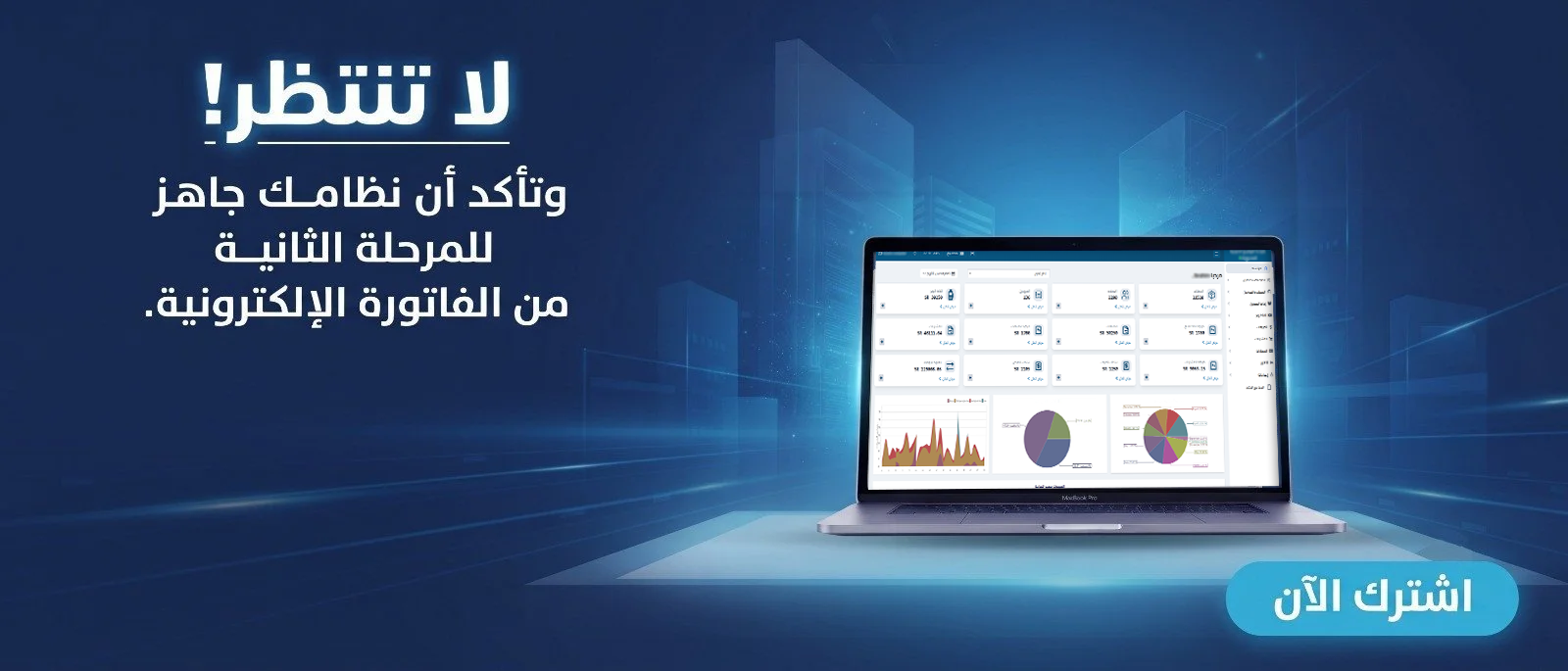
The official source to consult before publishing or signing a contract is the Zakat, Tax and Customs Authority: the authority’s official website . Check the latest guidance and the scope of Phase Two if it applies to the business, and avoid unsupported claims of official certification.
How Do You Test the System Before Signing a Contract?
1. Select processes representing daily operations and important exceptions.
2. Prepare realistic test data without exposing sensitive information.
3. Ask for the scenario to be demonstrated in front of the employees who will use the system.
4. Reconcile the invoice or document against the report and final balance.
5. Test permissions, cancellations, returns, and period closing.
6. Document execution time, errors, and manual handling steps.
7. Request written details of support, migration, fees, and updates.
You can request a trial before making a final decision through the registration page. Keep written test results to help compare alternatives without relying on first impressions.
Phased Implementation Plan
| Stage | Expected Output |
|---|---|
| Preparation | Clean data and define processes and responsibilities |
| Configuration | Set up users, accounts, and devices |
| Testing | Reconcile documents, reports, and exceptional cases |
| Training | Short employee instructions and escalation procedures |
| Go-live | Monitor discrepancies, indicators, and continuous improvement |
This is an organizational sequence, not a promise of a fixed implementation period. The time required depends on data volume, number of branches, integrations, and team experience. Do not discontinue existing procedures until you have verified the new system’s results and data recovery plan.
Ready to Try the System?
Start your free trial or speak with the sales team to help choose the right solution.
Common Mistakes When Choosing a System
• Buying numerous features that the business does not actually use.
• Comparing prices without accounting for devices, training, and integration.
• Relying on an idealized demo instead of real operational data.
• Migrating unreconciled balances or duplicate items.
• Ignoring exceptional cases such as returns and corrections.
• Failing to assign someone to review reports after implementation.
Frequently Asked Questions
Is the best accounting system for companies suitable for every business?
No. Suitability depends on transaction volume, business activity, required integrations, and total cost.
Can I start with only a few users?
That depends on the plan terms and scalability, so confirm the fees for adding users and branches.
Do cloud solutions always work without an internet connection?
Not necessarily. Offline functions and synchronization methods vary by product and must be tested.
Are ready-made reports sufficient?
No. Figures should be reconciled with supporting documents, and every transaction should be traceable.
What is the most important test before buying?
Test a transaction related to the acceptance tests used before making a decision, from entry through to reporting, then repeat the test with a change or correction.
Does implementation require training?
Usually, yes. Training clarifies permissions, review procedures, and how to handle unusual cases.
Conclusion
Choosing the best accounting system for companies starts with understanding the acceptance tests required before making a decision and carrying them out in practice. Then assess reporting accuracy, permissions, and total cost. Start with the most important processes and expand implementation once you have confirmed data quality and the team’s ability to handle exceptions.
Once you have defined your essential requirements, you can get started through the registration page or request a demonstration suited to your business.
Manage Your Business with Greater Flexibility
Try Digital Business for free. Start issuing electronic invoices designed to meet ZATCA requirements in minutes.