
Electronic Invoicing POS Software: How to Choose the Right Cash Register System in Saudi Arabia
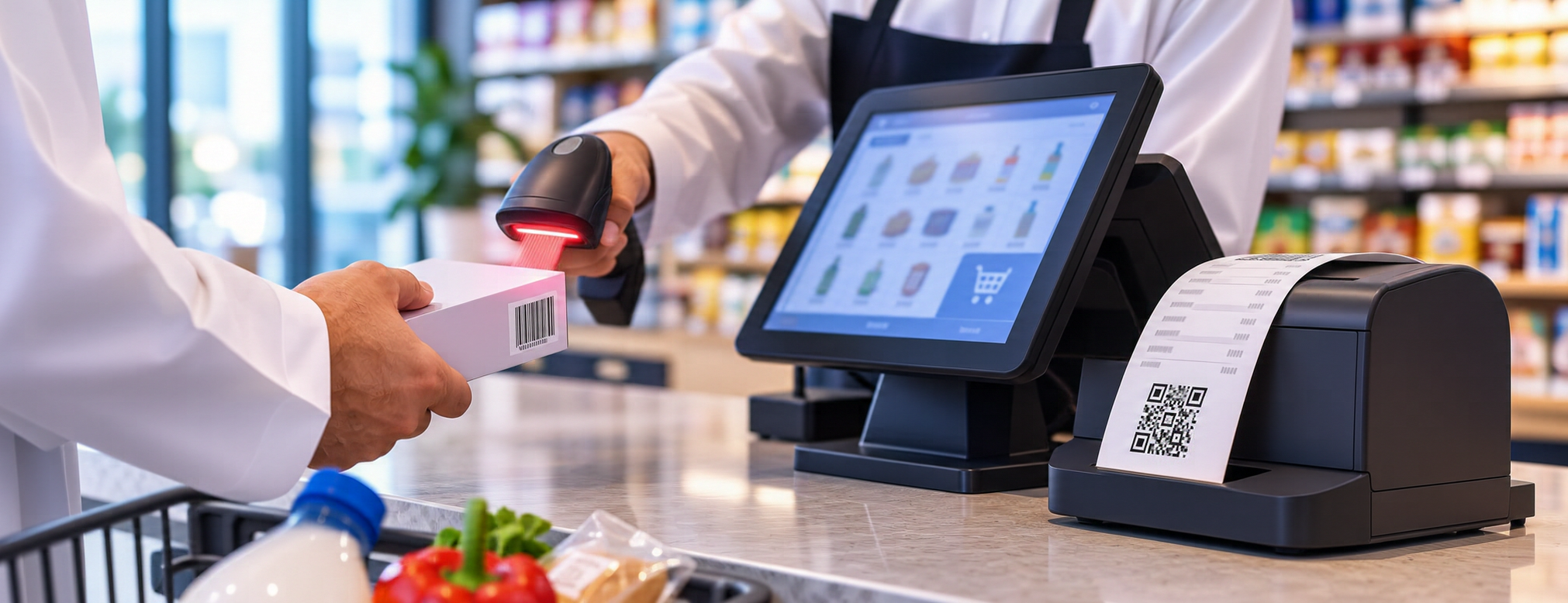
If you run a shop, restaurant, or grocery store in Saudi Arabia, a sale may begin with scanning a barcode and end with printing a receipt in seconds. But checkout speed alone is not enough. Does the system issue invoices in the correct format? Is tax displayed properly? Can it handle returns, retain records, and prepare for the integration requirements when they apply to your establishment?
This guide explains what electronic invoicing POS software means, the differences between invoice types, and how to test a system in practice before subscribing. We distinguish operational features from regulatory obligations and explain which questions to ask a provider instead of relying on the word “compliant” in an advertisement.
To understand the scope of the commercial solution before comparing options, start with the accounting and point-of-sale system page and request a demonstration of what is included in the plan you are considering.
What Is a Point-of-Sale System That Supports Electronic Invoicing?
Point-of-sale (POS) software records the items sold, their quantities and prices, and the payment methods used, then generates a transaction document. Support for electronic invoicing means that the invoice creation and management process is designed to meet the requirements applicable to the establishment, including the data, technical structure, and procedures associated with the invoice type and regulatory phase. Compliance cannot be established merely because a system has a “Print Invoice” button or displays the authority’s logo on its screen.
In a clothing store, for example, an employee selects two products, applies an authorized discount, and records the payment. The system should retain the transaction details and produce an invoice with the appropriate information, while clearly reflecting the sale and any subsequent returns. Testing an invoice is different from testing inventory: one function may work while the other fails, so the entire sales workflow needs to be tested.
Ask the provider: Which invoice types can the software issue? How does it generate credit and debit notes? How are records retained? What changes when the establishment moves to the integration phase? Request written answers and a working example rather than a general description.
The Difference Between a Tax Invoice and a Simplified Tax Invoice
A tax invoice and a simplified tax invoice differ according to the nature of the transaction and the parties involved. A simplified invoice is generally associated with sales to end consumers, while a tax invoice is used for other transactions under the applicable rules. The precise mandatory fields and exceptions should be checked against official regulations and guidance, because the nature of the transaction matters more than the template name in the software.
For example, an electronics shop may sell a device to someone purchasing it for personal use, then sell several devices to a company that needs its tax details included. The cashier must know when to select the correct invoice type, how to enter buyer information when required, and how to verify the document before handing it over. Testing both scenarios reveals errors that may not appear during a basic sale.
Do not confuse an item barcode with the QR code associated with an invoice. The former identifies a product in inventory; the latter serves a different function in the invoicing document under the applicable technical requirements.
How Does Electronic Invoicing Work at the Point of Sale?
The process begins by registering the establishment and its tax details in the system, then configuring items, prices, and the appropriate tax treatment. At checkout, the employee adds items, verifies the discount and total, and selects a payment method. Once confirmed, the software creates the invoice document and retains the related record. It may also perform additional procedures depending on the regulatory phase and invoice type.
Data must remain consistent across the sales screen, the final document, and reports. If a price changes at the checkout screen but that change is absent from the invoice or shift total, an operational issue needs to be resolved. You should also test canceling a transaction before approval and correcting it after the document has been issued using the appropriate compliant procedure, rather than assuming an issued invoice can be deleted without a trace.
Make sure the software distinguishes completed transactions from drafts and canceled transactions, and that users cannot change sensitive data without permission. These controls protect accounting accuracy and make it easier to investigate discrepancies when closing a shift.
If cashier invoices affect stock balances, also review how purchasing and inventory are organized to ensure that the movement of items into and out of inventory is clear.
Phase One and Phase Two: What Difference Matters to Your Establishment?
Electronic invoicing in Saudi Arabia began with the generation and storage phase, followed by the integration phase, which applies to targeted groups according to waves announced by the Zakat, Tax and Customs Authority (ZATCA). Being subject to Phase One does not automatically mean that an establishment has completed Phase Two requirements. Nor should every establishment be assumed to fall under the same wave or deadline.
When evaluating a POS and electronic invoicing solution, ask the provider to explain how your establishment’s requirements are determined, what equipment or setup integration requires, and how connection failures, rejected data, or document corrections are handled. Check the authority’s notices addressed to your establishment and its updated technical guidance; do not rely on a general date in an old article.
During the integration phase, technical procedures differ according to the document type and business scenario and may include clearance or reporting under the applicable requirements. Therefore, test the real scenario relevant to your business rather than issuing just one invoice in a demo environment.
To gain an operational understanding before purchasing, you can book a demonstration of invoice issuance and ask the provider to simulate a sale and a return in front of your team.
Information to Check on a Cash Register Invoice
Before using the software, create a checklist of the fields required on the invoices your establishment issues. Depending on the invoice type, examples of information to review include seller identity, date and time, item descriptions, quantities, prices, tax and total amounts, and buyer details when required. Regulations may prescribe additional fields and formats, so these examples must not be treated as a complete legal checklist.
Also review how discounts, service fees, and refunded amounts affect tax values. Test a transaction containing two items at different prices, an authorized discount, and partial or split payment if your business needs it. Compare the result with a manual calculation, then check that the daily report reflects the same total.
It is not enough for a QR code simply to appear on the document. Check that it meets the applicable requirements and that the information it represents is correct, using official tools and guidance. The readable invoice should also be clear to the customer, whether printed on a thermal printer or sent through an available electronic channel.
Returns, Credit Notes, and Debit Notes
One of the most useful tests is returning a product after the shift has closed. What does the employee do? Can they retrieve the original invoice? Does the system issue the appropriate corrective document? Do sales, tax, and inventory values change in a traceable way? The answers should come from a live test, not a slide presentation.
Credit and debit notes are not merely buttons for adjusting the total. They have regulatory and accounting contexts that must be configured in relation to the original transaction. Avoid directly editing an issued invoice in a way that removes the transaction trail; ask for an explanation of permitted correction procedures and how they appear in the records.
If you have several employees, specify who is authorized to process returns and who reviews exceptions. You can create a daily report of large or frequent returns so that a manager can identify unusual patterns without disrupting normal operations.
Tracking stock movement after a return is also related to procurement, stock transfers, and inventory procedures, so test whether the returned quantity goes back to the correct location rather than an unspecified overall balance.
Connecting the Cash Register to Accounting and Inventory
A sale does not end when the invoice is issued. When a cash register is linked to an accounting system, the impact of sales, taxes, and payment methods can be posted to financial records according to system settings. When linked to inventory, quantities decrease based on the items sold. However, the quality of integration depends on accurate item and account setup and how discounts and returns are handled.
Imagine a grocery store selling ten units of a product during the day. Inventory movement should reflect those ten units, and sales should match invoices and the shift summary. If only five units were recorded as leaving inventory, the responsible person needs a clear way to identify why: was synchronization delayed, was a substitute item used, or was there a manual adjustment?
It is useful to reconcile invoice totals, payments, and bank settlements daily, while reviewing credit sales and refunds separately. Do not assume that integration removes the need for human oversight; instead, it should make review faster and clearer.
To understand the relationship between sales and financial posting, review the accounting and point-of-sale solution and confirm which integration functions are actually included in your plan.
Can an Electronic Invoicing Cash Register Work Without Internet Access?
Some POS solutions support recording transactions locally during a connection outage, but details vary between products. Employees may be able to add items and complete certain operations, while other functions remain unavailable until the network returns. Crucially, offline operation does not exempt an establishment from the applicable regulatory requirements for issuing invoices and reporting or clearing them within the required time frames and procedures.
Ask the provider how long the system can operate offline, how local records are protected, what happens if two devices attempt simultaneous transactions, and how failed or duplicate synchronization is handled. Simulate an outage in a suitable test environment, restore the connection, and verify the number and status of invoices and the resulting reports.
Do not market an “offline” feature as an absolute guarantee that all invoicing functions will continue working. State clearly what works, what does not, and which actions must be completed later. This matters particularly for stores using multiple devices or branches with unstable connectivity.
Security, Permissions, and Record Retention
Cash registers handle financial data and sensitive transactions, so permissions should be assigned according to job responsibilities. A salesperson may be allowed to issue an invoice, while a return or substantial discount may require a supervisor’s approval. Where the feature is available, managers should be able to review the event log and identify the user, time, and type of change.
Ask about backups, data recovery, and exporting records when moving to another provider. Test searching for and retrieving an old invoice, and make sure you can obtain the information required for reviews or inspections. Retention periods and access policies must follow relevant regulatory requirements rather than assuming cloud storage alone solves every problem.
It is advisable to establish written procedures when staff change or an account’s access is revoked, and to avoid sharing a single password among all employees. Teams should also be trained to recognize pending transactions or invoices that require technical follow-up.
When invoices are linked to customer accounts and orders, it may be useful to review the customer service and follow-up solution, without assuming that automatic integration exists unless the provider confirms it.
How to Test the Software Before Subscribing
Set aside a short test session involving a cashier, an accountant, and a branch manager. Do not begin by asking, “How many features does the system have?” Start with specific scenarios. Issue an appropriate simplified invoice, a tax invoice where applicable, a discount, a return, and a corrective note, then request a report showing the financial impact. Record the results in a comparison table for the systems you evaluate.
Also test retrieving a previous invoice, changing a user’s permissions, and operating the receipt printer and barcode scanner. If the establishment has multiple branches, create a transaction at one branch and check that it appears in consolidated reports. If Phase Two applies to you, request a practical demonstration of the relevant technical procedures in a suitable test environment.
Give each test a clear result: passed, passed with conditions, or requires remediation. Then document who is responsible for addressing each issue and the due date before signing a contract. This makes your comparison reflect business needs rather than the most attractive interface or the lowest quoted price.
After preparing your test checklist, you can request a practical demonstration tailored to your business rather than settling for a general explanation.
How Much Do POS and Electronic Invoicing Software Cost?
Costs vary with the number of devices, branches, and users; hosting method; accounting and inventory features; support level; and integration and configuration requirements. Some services may be included in the base subscription while others are priced separately. Comparing monthly subscription fees alone can therefore give a misleading impression.
Calculate the first-year cost, including the subscription, equipment, printers, training, data migration, integration, and any additional services. Then calculate the recurring cost for the second year. Ask about invoice volume limits, the policy for regulatory updates, support arrangements if invoice issuance stops, and the cost of adding another branch.
If a provider quotes a low price, do not assume the service is incomplete; test its scope. If a provider quotes a high price, do not assume it is more compliant; request an explanation of the features and deliverables that justify the difference. The goal is a reasonable operating cost for functions you can verify.
To compare subscription options, you can review plans and pricing and then confirm commercial and technical details with the service team.
Common Mistakes When Choosing a Tax-Ready POS System
The first mistake is accepting the phrase “compliant with the authority” without requesting technical details about invoice types and the phase applicable to the establishment. The second is focusing on the appearance of the printed invoice while ignoring records, notes, and reports. The third is failing to test returns, network outages, or user permissions before going live.
Another common mistake is choosing software before cleaning item and customer data. Duplicate product codes or incorrectly entered tax rates can carry errors into the new system. Start with organized data and test a representative sample before migrating all records.
Do not use the word “approved” as an independent selection criterion. A provider’s appearance in an indicative directory or commercial advertisement does not, by itself, prove that every version of its products complies in every situation. Base your decision on official requirements and practical testing of the solution offered to your establishment.
If your business distributes goods across multiple outlets, you may also need to review distribution and operations management solutions to determine whether your needs extend beyond the point of sale.
Checklist Before Making a Decision
• Identify the invoice types your establishment needs and verify the required information for each type.
• Review the regulatory phase applicable to your establishment and the authority’s official notices.
• Test sales, discounts, returns, corrective notes, and daily reports.
• Confirm how records are stored, retrieved, exported, and backed up.
• Test employee permissions, the event log, and connection outages.
• Review integration with inventory, accounting, checkout hardware, and branches.
• Calculate the total operating cost, not just the advertised subscription fee.
• Document test results, employee feedback, and support responsibilities.
If you sell through several outlets, reviewing the distribution and outlet operations service may help you define how operations should be monitored across locations.
For businesses handling a large number of products, explore the purchasing and item movement service to understand how purchasing, sales, and inventory are related.
Ready to Try the System?
Start your free trial or speak with the sales team to help choose the right solution.
Frequently Asked Questions
Does Every Cash Register That Prints an Invoice Qualify as an Electronic Invoicing System?
No. Producing a paper document or file does not establish compliance with electronic invoicing requirements. Review the applicable regulatory and technical requirements and test the relevant system functions.
What Is the Difference Between a Simplified Invoice and a Tax Invoice?
Their use and required information vary according to the nature of the transaction and the parties involved. Choose the correct type based on official guidance, not merely on the appearance of the print template.
Must Every Establishment Connect to the Fatoora Platform Immediately?
The integration phase applies to targeted establishments according to official waves and notifications. Check your establishment’s status with the authority before setting an implementation date.
Can the Cash Register Operate During an Internet Outage?
That depends on the software design and the required functions. Test local sales and synchronization after connectivity returns, and ensure the procedure does not conflict with applicable invoicing obligations.
Is Testing One Invoice Enough Before Subscribing?
No. Test invoice types, discounts, returns, reports, permissions, and the technical scenarios relevant to your business.
How Can I Verify a Claim of ZATCA Compliance?
Ask for a precise description of the scope of compliance, software version, and supported phase; compare it with official regulations and guidance; and carry out appropriate practical tests.
Does the Cash Register Need to Integrate With Inventory and Accounting?
Not every business needs the same scope, but integration may reduce duplicate entry and make reconciliation easier. Verify how sales and returns affect balances and reports before relying on it.
What Determines the System’s Cost?
The number of devices, branches, features, integrations, equipment, support, training, and data migration. Request a comprehensive estimate covering the first year and recurring costs.
Conclusion: Choose the System That Passes Your Business Tests
Choosing suitable electronic invoicing POS software in Saudi Arabia starts with understanding the transactions your establishment handles, then matching regulatory requirements to actual sales procedures. Do not let printing speed, the number of features, or the label “approved” decide for you. Test invoice issuance, returns, record retention, and reconciliation with accounting and inventory, and document the results before contracting.
Once requirements are clear, comparing options and selecting a system that employees can use every day and management can monitor with confidence becomes easier. Always review the Zakat, Tax and Customs Authority’s latest instructions on invoice types and the phase applicable to your establishment.
If you want to start reviewing the available options, you can begin registration and explore the solution after checking whether the plan suits your needs.
To understand how the software is used in a commercial business, review the point-of-sale and accounting services page before making a final decision.
If you plan to expand your business and manage item procurement, review the purchasing management service to learn about the tools available.
To check whether the plans suit daily use, review pricing and subscription options and request written confirmation of what the offer includes.
Manage Your Business With Greater Flexibility
Try Aamal Digital for free. Start issuing electronic invoices designed to meet ZATCA requirements in minutes.